Step 1: Open Firebase console and select the Add project option.

Step 2: Click the dropdown menu and choose the project name to add Firebase resources to an already-existing Google Cloud project. Choose the appropriate project name and click Continue. Moreover, the project ID that appears beneath the project name may be optionally edited.

Step 3: Review and accept the Firebase terms to continue (if prompted). Configuring Google Analytics for the project is optional. If you’re utilizing an already-existing Google Cloud project, choose Add Firebase instead of Create project.
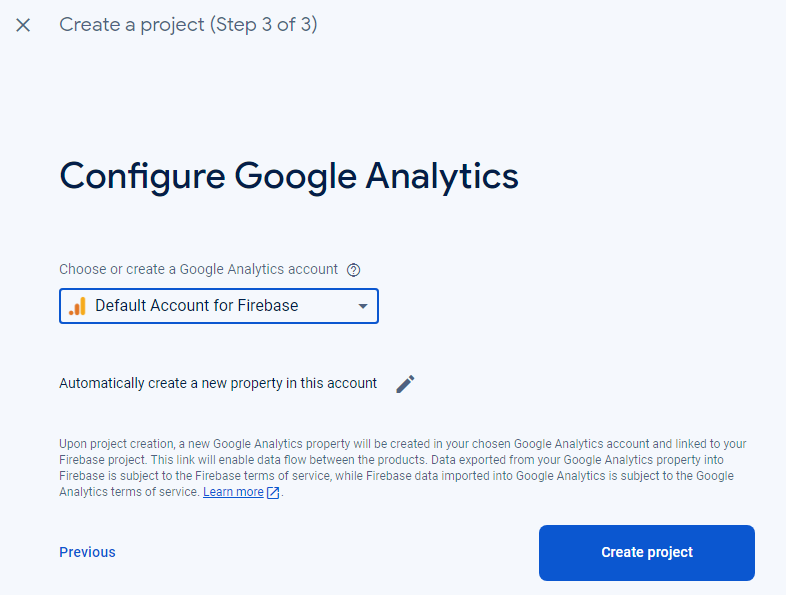
Step 4: Resources are provisioned for your Firebase project automatically via Firebase. Click Continue and you will be sent to your Firebase project’s overview page in the Firebase console after the procedure is finished.


Leave a Reply